Just a few short years ago, having Apple CarPlay on your motorcycle was something of a luxury and not especially easy to find. These days, there seems to be no shortage of inexpensive aftermarket motorcycle CarPlay displays available. Spend five minutes browsing Amazon, and you’ll find countless nearly identical units promising wireless Apple CarPlay, Android Auto, GPS, cameras, and TPMS for a fraction of what premium systems used to cost.
I do quite a bit of long-distance travel, both on- and off-road, and rely heavily on my phone for navigation and communication through my Bluetooth helmet intercom devices. Aside from not being able to search for GPS destinations when cellular service isn’t available, I haven’t felt I needed much more than my phone. So, when I accepted the assignment to test the CPMC X6 Motorcycle CarPlay System, I wasn’t sure how much I would actually use it.
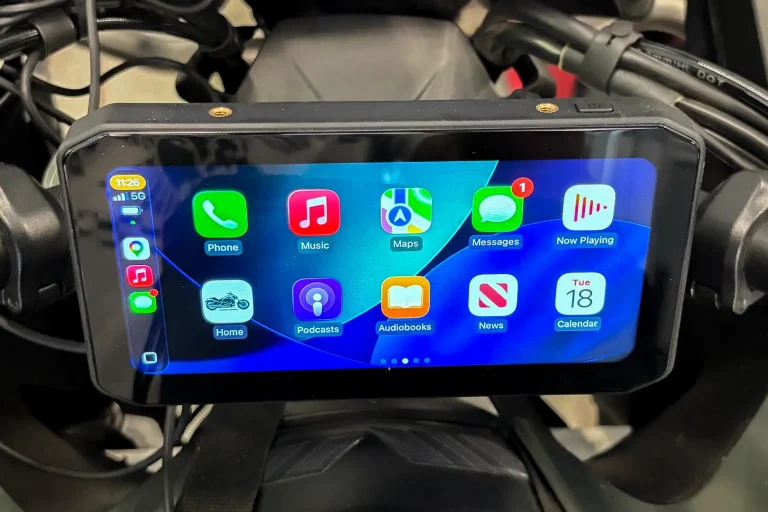
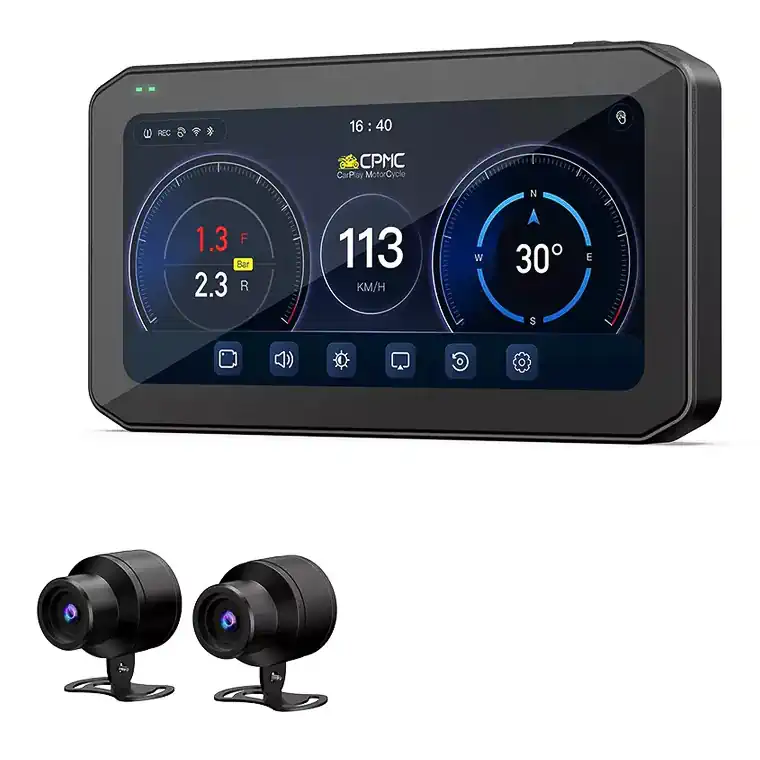
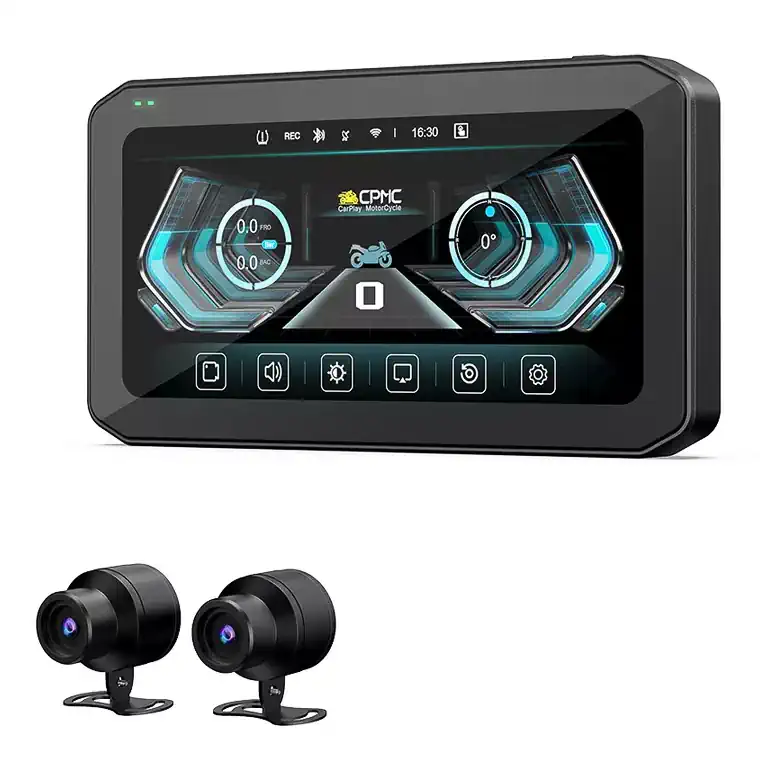
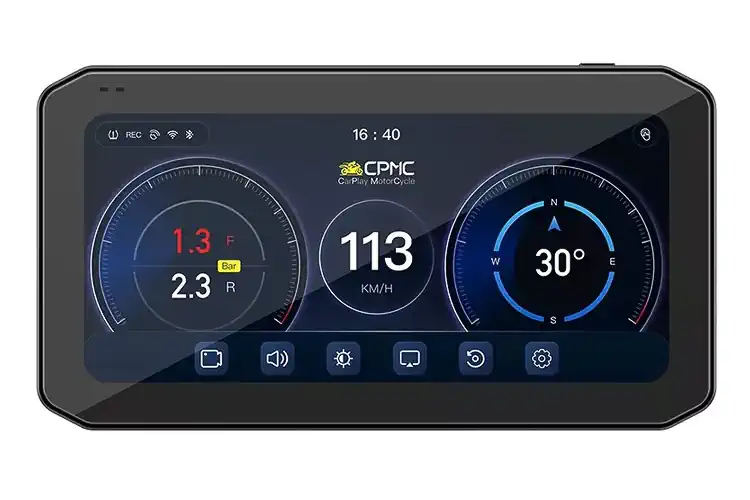
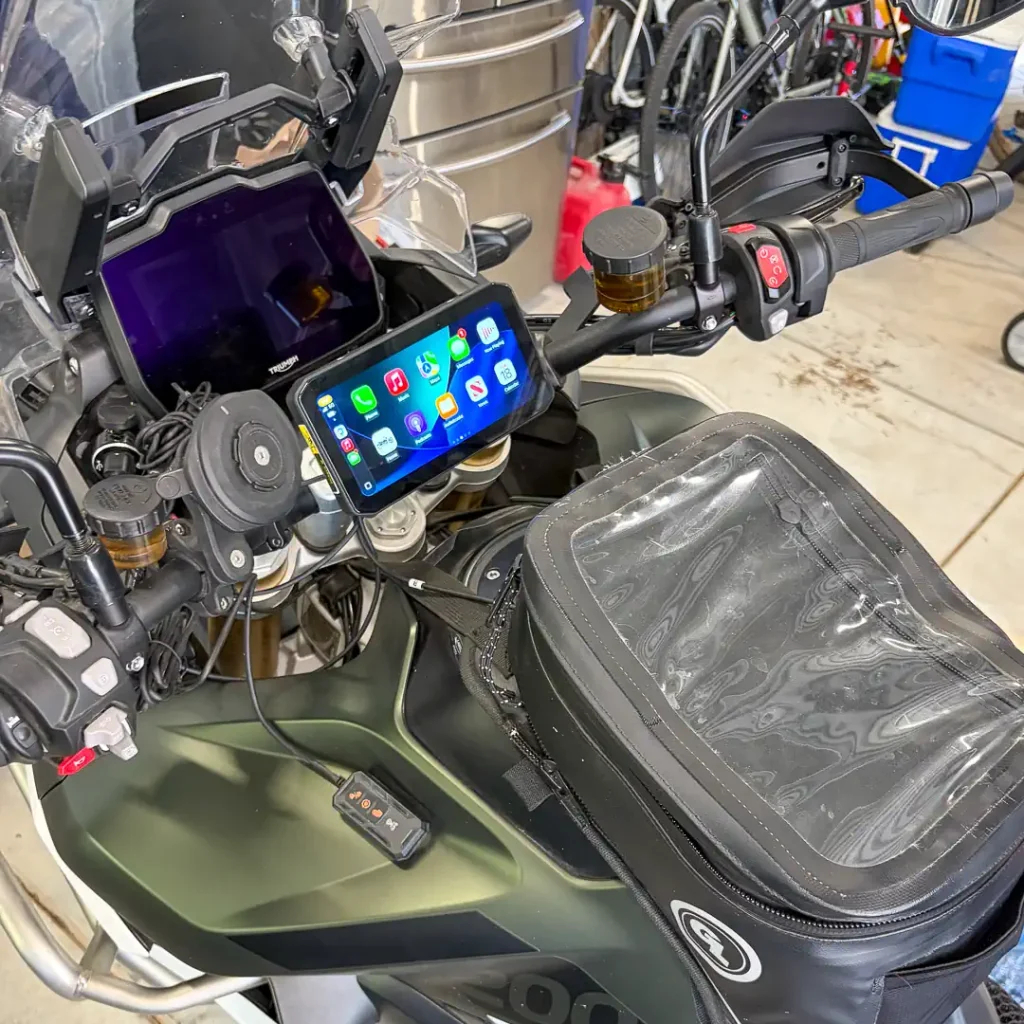
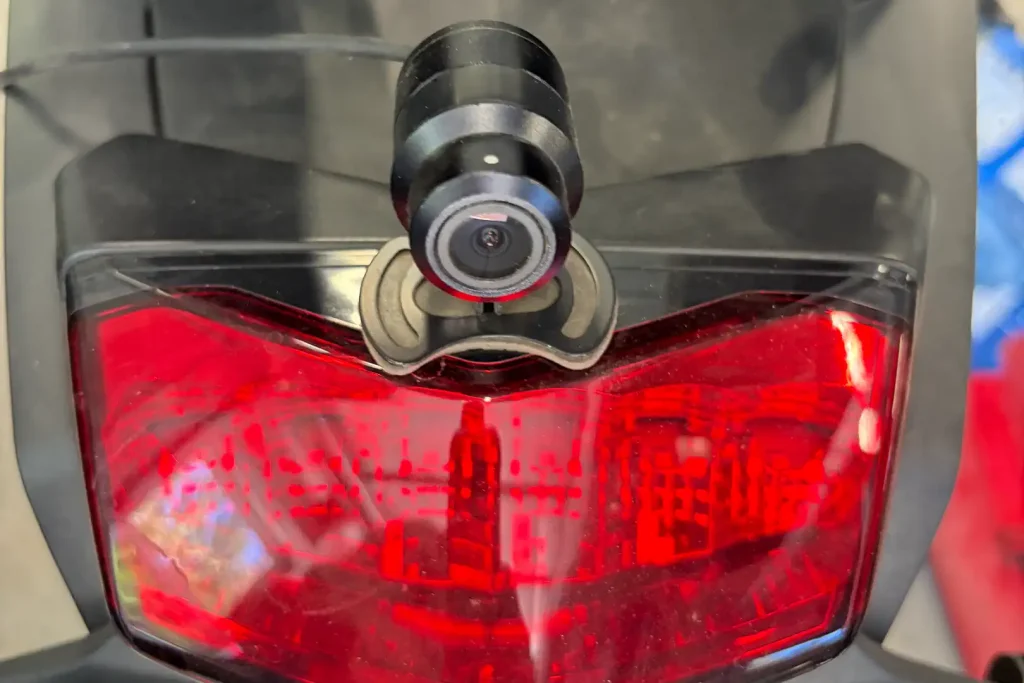
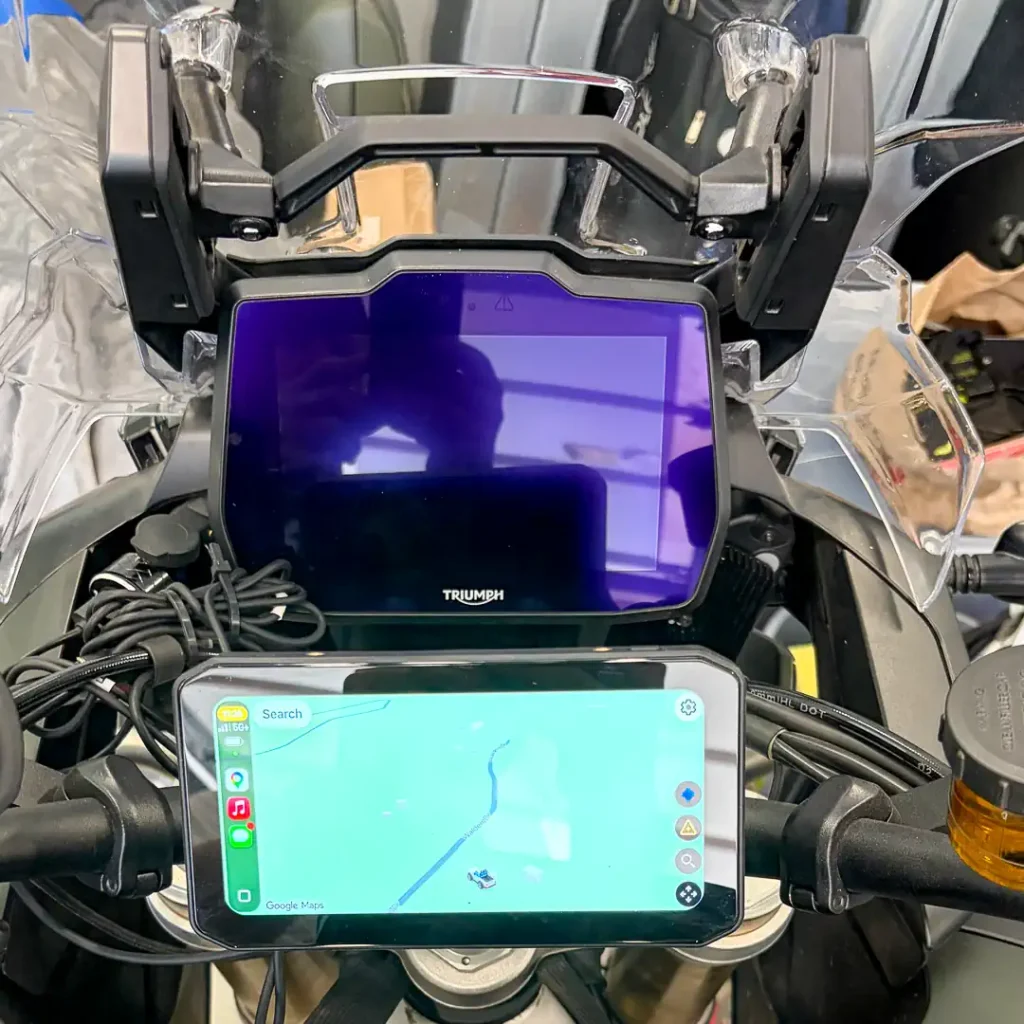
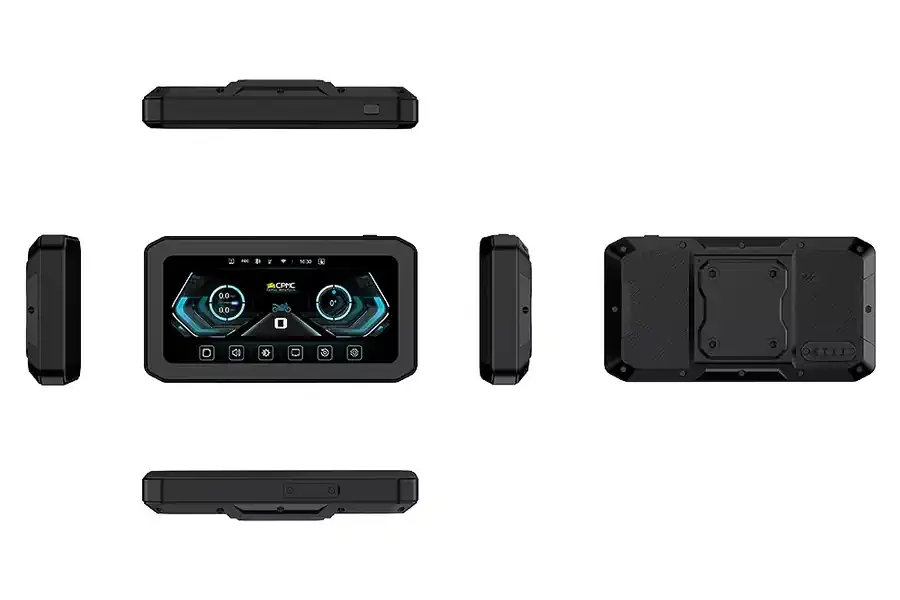
The CPMC X6 Motorcycle CarPlay System with 2K Dash Cam sits slightly above that crowded field and packs a lot into one device. It features a bright 6.25-inch touchscreen with wireless Apple CarPlay and Android Auto, front and rear 2K dash cameras, tire pressure monitoring (TPMS), GPS logging, and weatherproof construction designed specifically for motorcycles.
That’s a strong feature list at its price point. MSRP is $349 with a 64GB SD card. The system supports cards up to 128GB. However, it is currently on sale for $275 without the card, or $285 with the SD card. CPMC is also offering an ULTIMATE22 discount code at the time of publication for 22% off. No, we’re not getting a kickback.
After spending several months with the X6, I found it to be far more useful than I expected, though not without a few shortcomings.
CPMC X6 Review: Display and CarPlay Integration
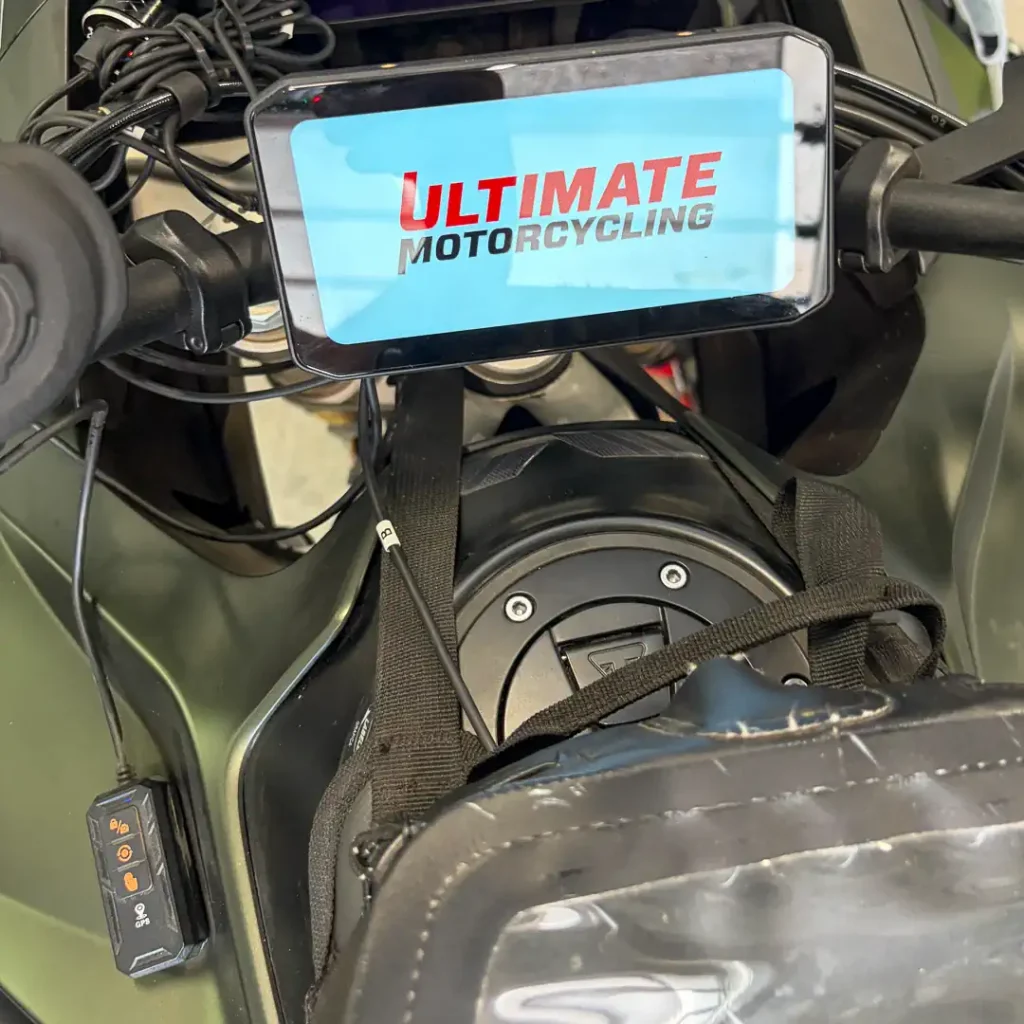
I was most impressed with how integrated everything felt. Rather than adding separate cameras, a TPMS display, and a navigation screen to the handlebar, the X6 combines everything into one clean, uncluttered package.
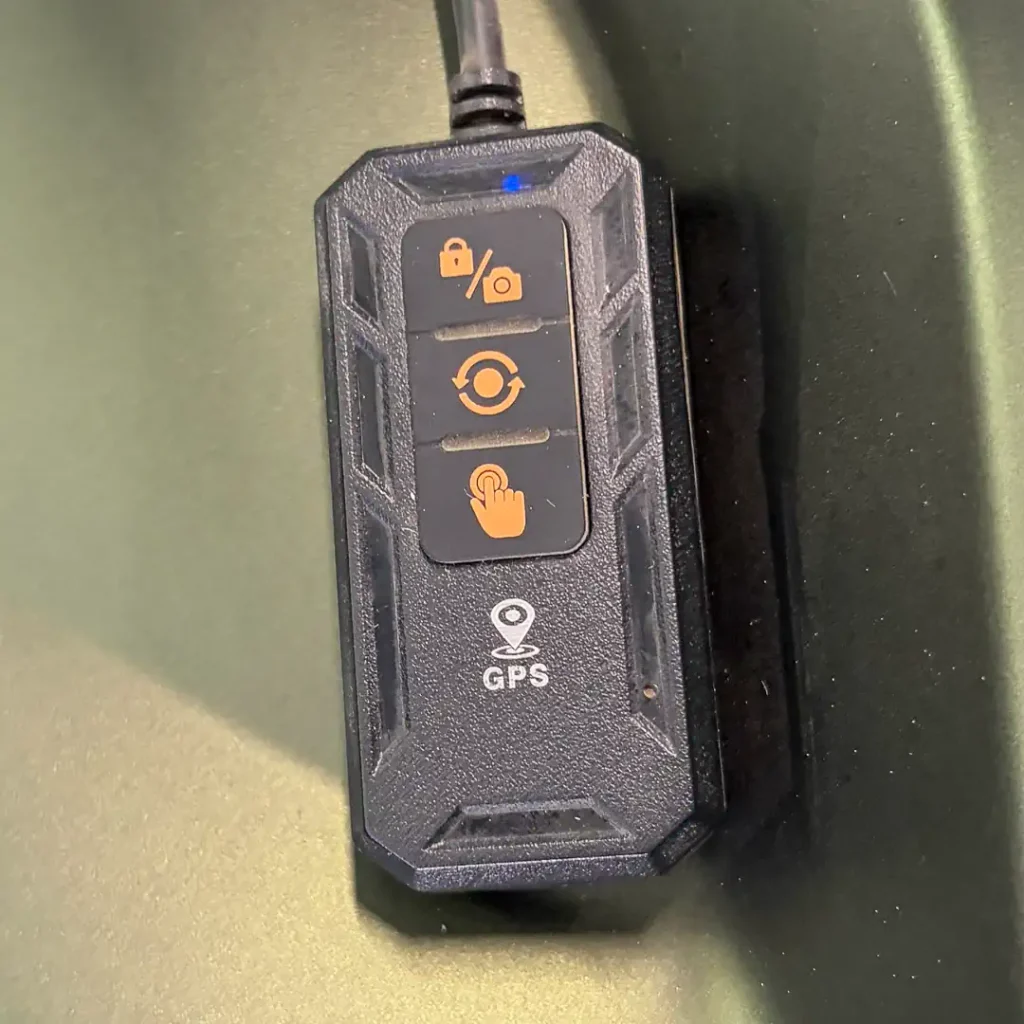
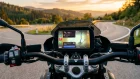
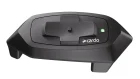
The display itself is excellent. Even riding in bright midday sun, I have no trouble reading the screen. The touchscreen responds well, and the included handlebar remote makes it easy to switch between screens and operate the cameras even with a gloved hand.
Connecting to my iPhone was effortless. Once paired, Apple CarPlay launched quickly and generally remained connected throughout each ride. Music, phone calls, messages, and navigation all worked exactly as expected.
Reboots and Power Delivery
That said, I did experience the occasional glitch.
Every now and then, the unit would unexpectedly reboot itself. While it wasn’t frequent, it happened often enough to mention. Camera operation seems to be a trigger.
Interestingly, it occurred less often after I moved the unit from my Honda Africa Twin to my Triumph Tiger 1200, leading me to suspect the issue may have been related to power delivery through the USB port.
With both cameras recording continuously, the X6 draws more current than a basic CarPlay display. If your power connection isn’t robust or you’re relying on a marginal USB power source, you may experience occasional instability or unexpected resets.
Once I switched to a more reliable power source, the system behaved more consistently, though reboots still occurred. CPMC specifies 3A/15W for USB operation and warns about vehicle voltage at 11.3–11.6V.
Fortunately, when a reboot occurs, the unit usually reconnects to my phone, and the navigation recovers quickly. While it was mildly annoying, I tolerated it because the X6 does so many things well.
CPMC X6 Cameras and Dash Cam Video
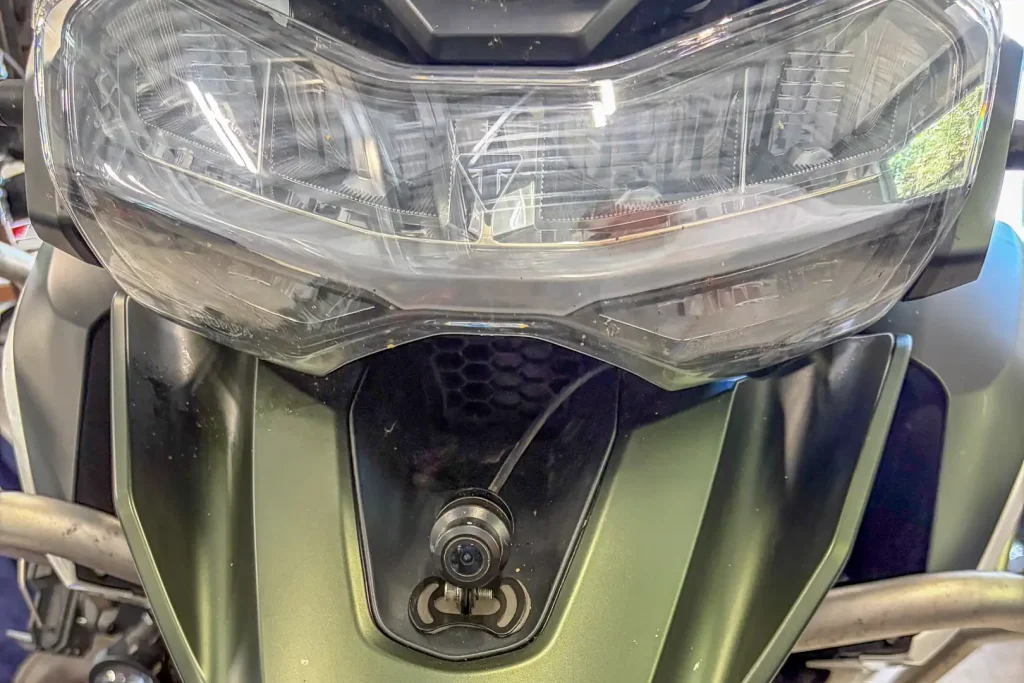
In use, the cameras produce video of a quality that is more than adequate for documenting rides or providing evidence if something goes wrong on the road.
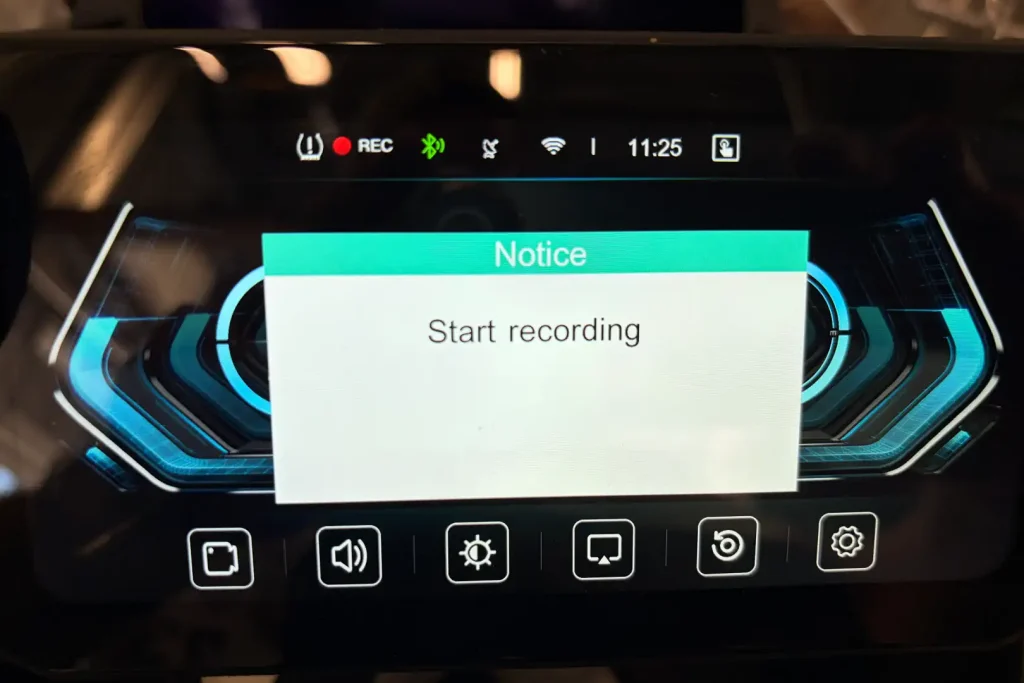
The cameras begin recording automatically whenever the unit is powered on. I would prefer the option to enable or disable recording as needed. I don’t necessarily want hours of footage from every commute filling up a memory card, and that level of control would make the system considerably more flexible.
Blind Spot Detection Without Radar
One cool feature of the X6 device is blind spot detection (BSD). With no radar attached, I wasn’t sure how the BSD would work. But sure enough, once switched on, the device monitored the cameras. Whenever a vehicle was in my blind spot or behind me, the edges of the screen would light up red.
The manual doesn’t explain the BSD system, how it warns you, or even how to turn it on. Fortunately, it wasn’t too hard to figure out. The system wasn’t perfect, but it was much more accurate than I expected. Even though I am a habitual head checker, making the BSD system a bit redundant for me, I was surprised by how well it worked.
Tire Pressure Monitoring: Good System, Bad Manual
The tire pressure monitoring system was another nice feature that worked well once configured. Unfortunately, the setup process was more frustrating than it needs to be. The included instruction manual has no instructions for setting up the TPMS system, so I had to rely on trial and error. Eventually, I had to contact CPMC to get everything working properly. Once up and running, the system proved reliable. Still, the documentation has plenty of room for improvement.
Navigation: A CarPlay Display, Not a Standalone GPS
Navigation is another area where it’s important to understand exactly what you’re buying. The X6 is a CarPlay display, not a standalone GPS. It mirrors whichever navigation app is running on your phone, whether that’s Apple Maps, Google Maps, Waze, Gaia GPS, Rever, or another compatible app.
The limitation appears once you’re riding beyond cellular coverage. If you have downloaded offline maps before leaving home, the navigation continues to work just fine. However, without cellular service or previously downloaded offline maps, you can’t search for new locations. Riders expecting something comparable to a dedicated Garmin Zumo should understand that distinction before purchasing.
Installation and Mounting
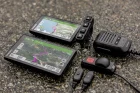
Physical installation was straightforward, though several wires exit the back of the unit: two for the cameras, one for power, and one for the remote switch. Routing the camera wiring naturally takes more time than installing a simple display, and the screw-type connectors make disconnecting the unit a bit of a hassle if you want to remove it for overnight parking during a trip.
Once mounted, everything feels secure and purpose-built for motorcycle use. A CPMC rep told me that an updated version will feature a single mounting connection plate, which would be a very welcome improvement.
Is the CPMC X6 Worth $349?
After living with the X6, I came away convinced of its utility. Beyond providing a larger display than my iPhone, the X6’s CarPlay integration makes navigation, music, and communication much more seamless. It will even read incoming text messages aloud and allow you to dictate replies, much like a modern automobile. I certainly don’t recommend composing messages while riding, but the capability is there if you choose to use it when stopped on the side of the road, let’s say.
Yes, there are a few rough edges. The occasional reboot, always-on camera recording, frustrating TPMS setup, too many connection wires, and the lack of standalone navigation all remind you this isn’t a premium $600 navigation system.
Those shortcomings are balanced by a bright, easy-to-read display, dependable wireless CarPlay, capable cameras, useful TPMS functionality, and additional features at a much more approachable price. If manufacturers eventually add true standalone GPS functionality to devices like this, I will welcome it.
If your goal is to add modern smartphone integration, a larger display, and several genuinely useful features to your motorcycle without spending a fortune, the CPMC X6 delivers considerable capability for $349.
CPMC X6 Specifications
SOFTWARE and HARDWARE
System: Linux
Main chipset: Allwinner V853
Processor: ARM Cortex-A7
Case material: ABS
Protection rating: IP67
Temperature range: -4°F to 149°F
Display size: 6.25 inches
Resolution: 1560 × 720
Brightness: 800 cd/m2
Mount ball size: 25mm
Mount hole size range: 22-25mm
Mount material: Metal
CAMERA and RECORDING
Front camera resolution: 2K
Front camera viewing angle: 140°
Rear camera resolution: 2K
Rear camera viewing angle: 140°
Camera frame rate: 30fps
Loop recording: Supported
Audio-video sync: Supported
App playback: Supported
MicroSD card support: 128GB maximum
GPS: Yes
CONNECTIVITY
Wi-Fi: 2.4G / 5.0G
Bluetooth: 4.2
Split-screen: Supported
Wired remote control length: 35 inches
CPMC X6 Motorcycle CarPlay System Review Price: $349 MSRP
In our first segment this episode Don Williams tries out his first e-clutch motorcycle: the new Honda CB750 Hornet. The Honda 750 is already an excellent motorcycle in its own right; it’s fast, and it handles beautifully. So, does adding the E-Clutch system to an already fabulous motorcycle really make any difference, or is this just an engineering exercise for the sake of it? Don Williams explains how the system works, and whether the E-Clutch is actually an upgrade.
* * * * *
We’ve talked recently about the upcoming Biketoberfest in a few weeks time, and for sure it’s a great party and social event for motorcycle riders everywhere. But we don’t want to leave you with the impression that’s all it is. So Brian Bentley—born and raised in Daytona Beach—takes us through a sample itinerary of how you could spend your four days plus at Biketoberfest. Truth is, there are a ton of things to do in the October sunshine, and Brian’s example itinerary will give you a lot of ideas. And don’t forget: make sure you download the Biketoberfest mobile App from Apple or Google Play or visit www.biketoberfest.org.
* * * * *
In our second segment this episode Arthur Coldwells chats with Tony Bracalente, founder of Ryder-Gear. Tony is a Navy veteran and was a nuclear engineer on submarines; he’s also a frequent track rider and racer. He founded Ryder-Gear as a result of his own track riding needs, and after friends kept asking him to help them out with what they needed, he eventually started the company. Tony’s interesting background and story-telling ability gives some insight into what it takes to improve motorcycle safety both on the track, and on the street.
* * * * *
Here’s quick reminder to check out our monthly digital magazine. It’s filled with everything you want to read on motorcycling, including some things you’ve probably not seen elsewhere. It’s absolutely free and you will find it on the Apple App Store and of course on Google Play as well.
Don’t forget to leave us your comments on our social media—we’re on all the usual platforms at Ultimate Motorcycling. We love hearing your feedback… so good or bad, please let us know what you think. If there’s something you’d like us to cover, we’d love to hear those ideas too!
We use cookies and browser activity on this website
Functional
Always active
The technical storage or access is strictly necessary for the legitimate purpose of enabling the use of a specific service explicitly requested by the subscriber or user, or for the sole purpose of carrying out the transmission of a communication over an electronic communications network.
Preferences
The technical storage or access is necessary for the legitimate purpose of storing preferences that are not requested by the subscriber or user.
Statistics
The technical storage or access that is used exclusively for statistical purposes.The technical storage or access that is used exclusively for anonymous statistical purposes. Without a subpoena, voluntary compliance on the part of your Internet Service Provider, or additional records from a third party, information stored or retrieved for this purpose alone cannot usually be used to identify you.
Marketing
The technical storage or access is required to create user profiles to send advertising, or to track the user on a website or across several websites for similar marketing purposes.